
Map, tracker & planner. Trails shows the real MTB trails around you, over 500,000 worldwide, graded by difficulty on a 3D map. Tap trails to plan a route, press record to ride it, and replay the ride as a flyover when you’re home.
Main features
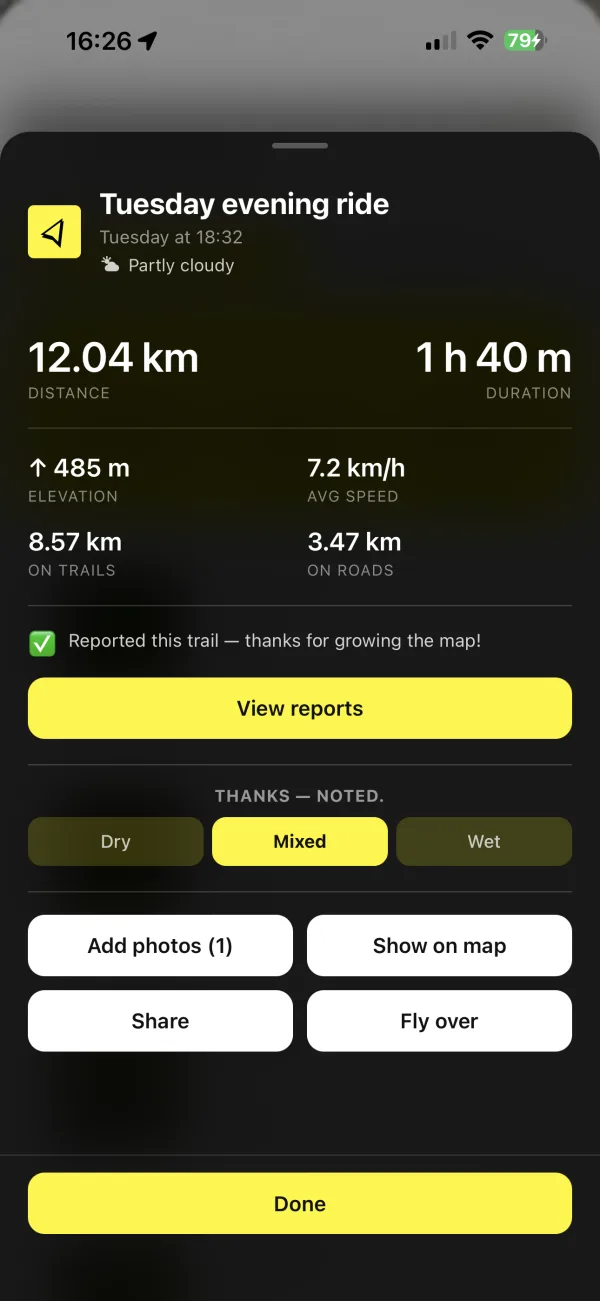
— the moment you stop, the ride is written up: distance, time, climb, average speed, singletrack versus road, and the day’s weather. Photos are pinned along the track, the flyover is one tap away, and the whole thing lands in your archive, ready to share or ride again.

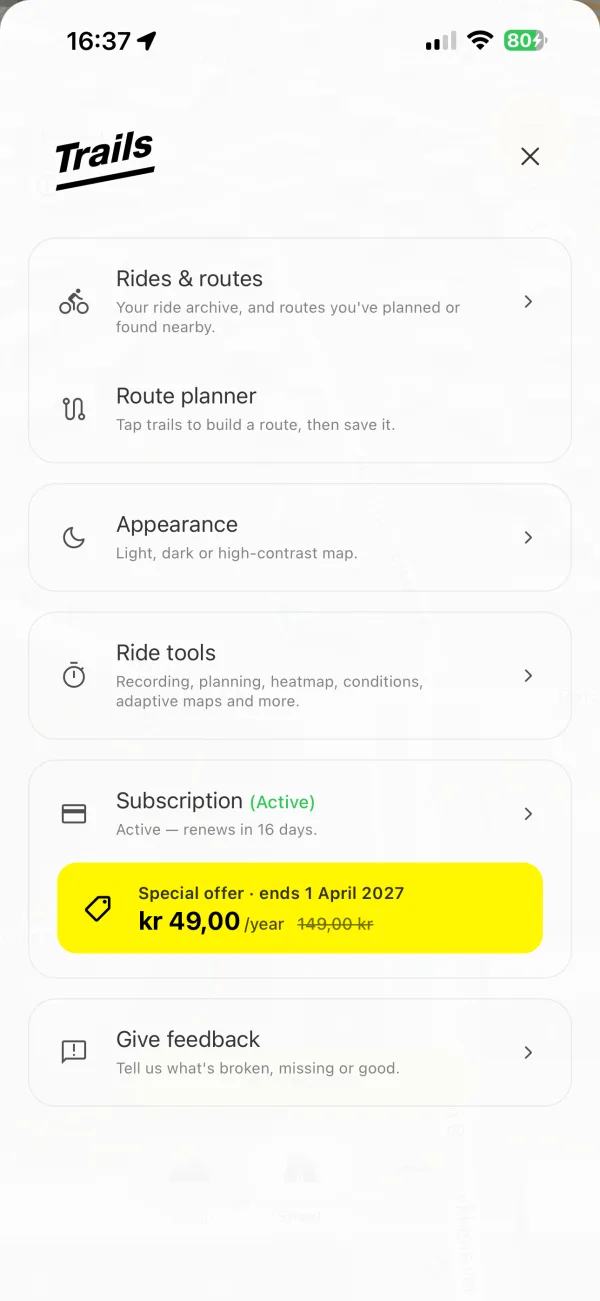
A redesigned menu, a clearer record button and smoother motion throughout. Built for the ride.

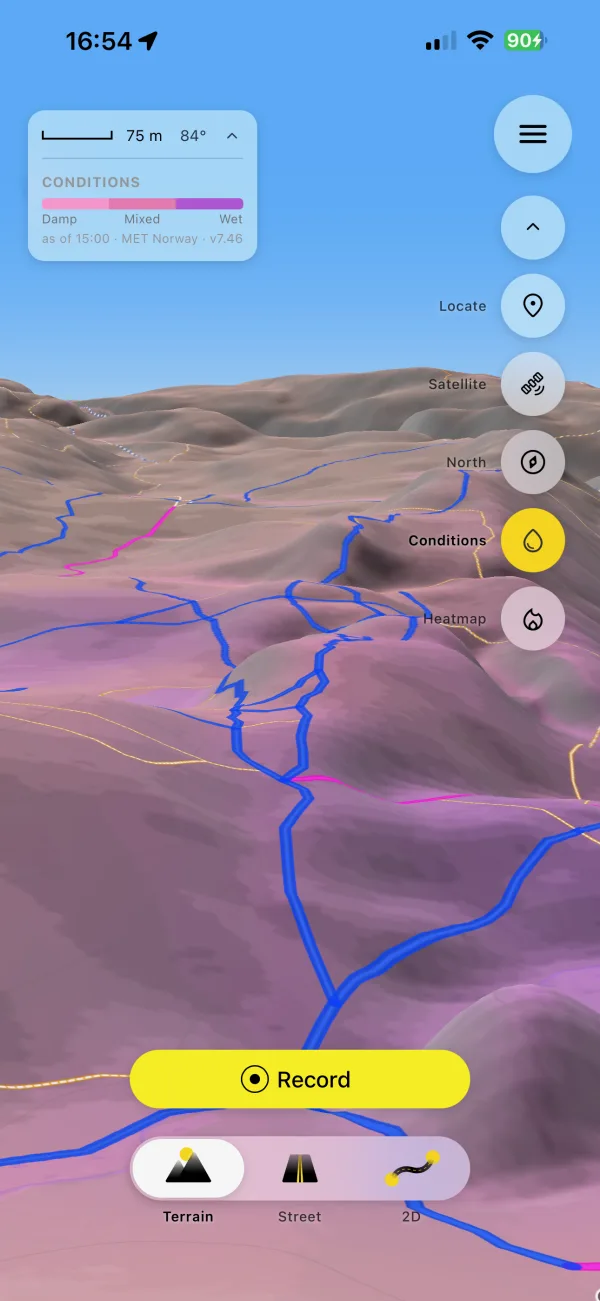
— three days of rain and sun and the shape of the land, painted onto the terrain: untouched where it’s dry, pink to purple where it’s wet.

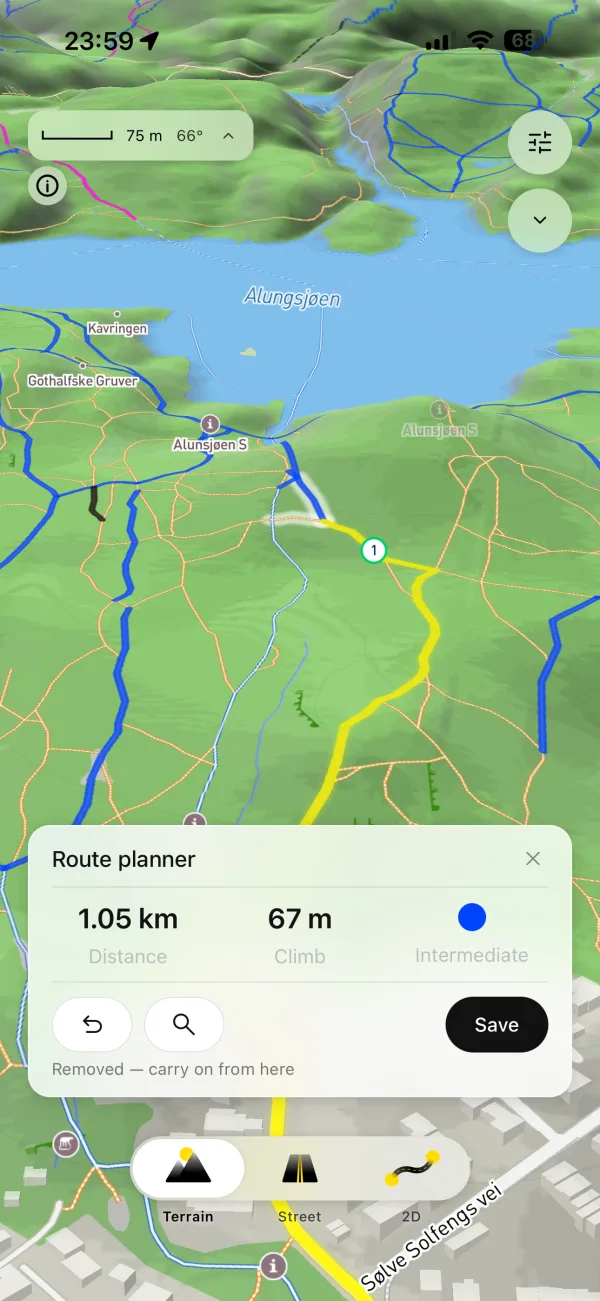
— tap the trails you want and Trails links them to the next fork, counts distance, climb and the hardest grade as you go, and closes the loop back to the start. Draw it on a big screen at mtbtrails.co or on the phone, then ride it with the trail ahead always up.

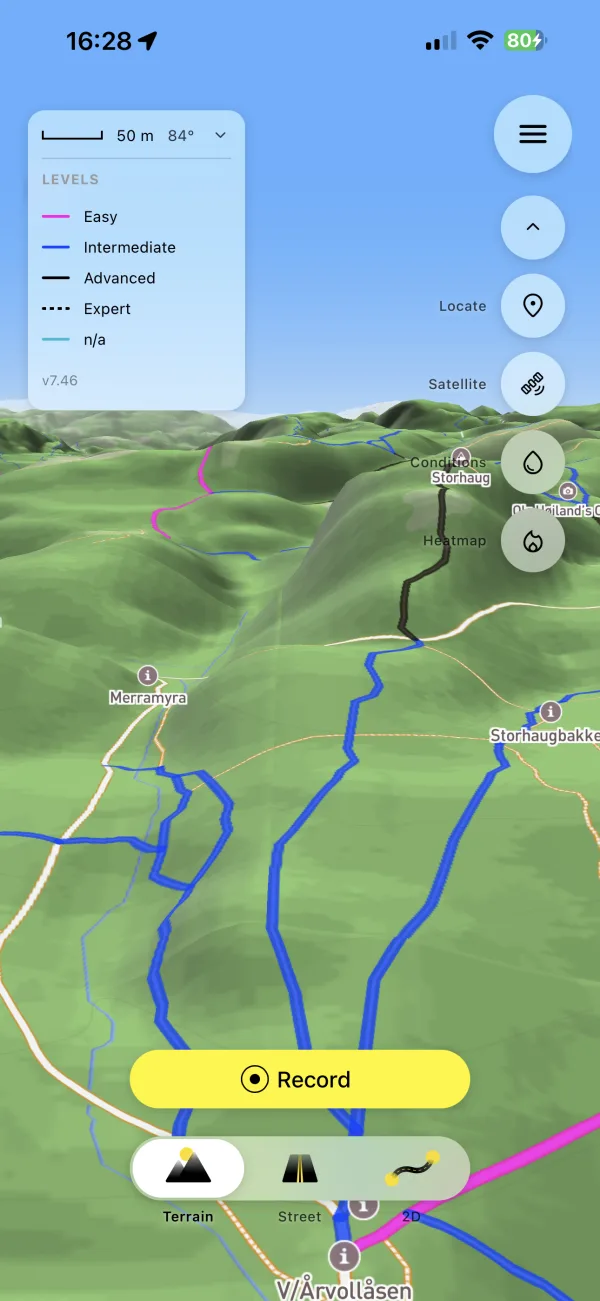
— the map reads where you are and picks the right view on its own: a 3D terrain view when you’re on the trail so you can read the slope, a clean street view on the approach roads, a pulled-back bird’s-eye when you need the big picture — all automatically, no tapping. A genuinely new way to see a ride that you won’t find on other trail apps.

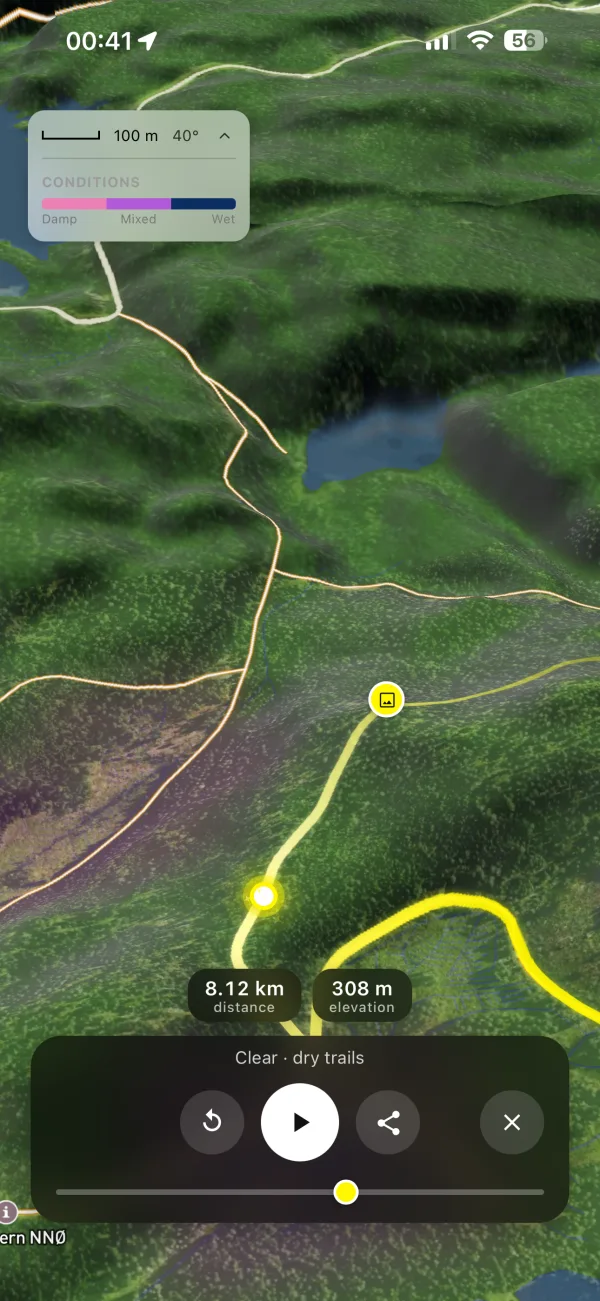
— replay any ride or planned route as a cinematic flyover and export it straight into your Photos.

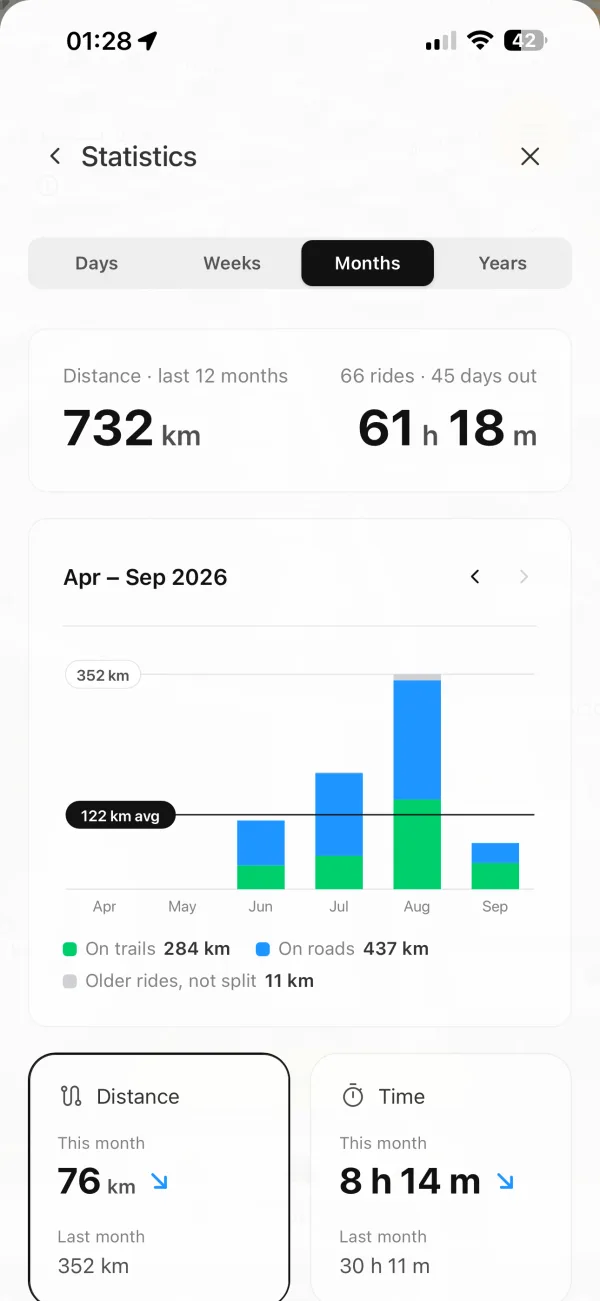
Every ride, split into trails and roads. This month against last, your areas and routes, the weather and ground you rode in, and the highlights on top.
